Your storage
Online usage and upload management. Where personal storage is enabled, owned uploads across current, Past and retained content use that account’s allowance; viewing a partner’s photos does not consume yours.
 Dovelings
What each space is for, where to find it and what you can do together. This guide covers the redesigned release in preparation; older testing versions may have fewer features.
Phone images are illustrative design previews with fictional demo content. No personal journal, real partner profile or real Community post is shown.
Dovelings is designed for adults aged 18 and over in India. Sign in with Apple or Google and complete your personal profile. Your name and date of birth belong to you; shared relationship details belong to the journal.
Your private timeline is for the photos, words and dates that belong to your journal. The circular + button starts a new memory; open an ordinary memory to read, edit or delete it.
Deleted memories are available in Recently Deleted for their applicable recovery period. Permanently deleting a photo can remove it from the shared journal; copies already exported to a device remain independent.
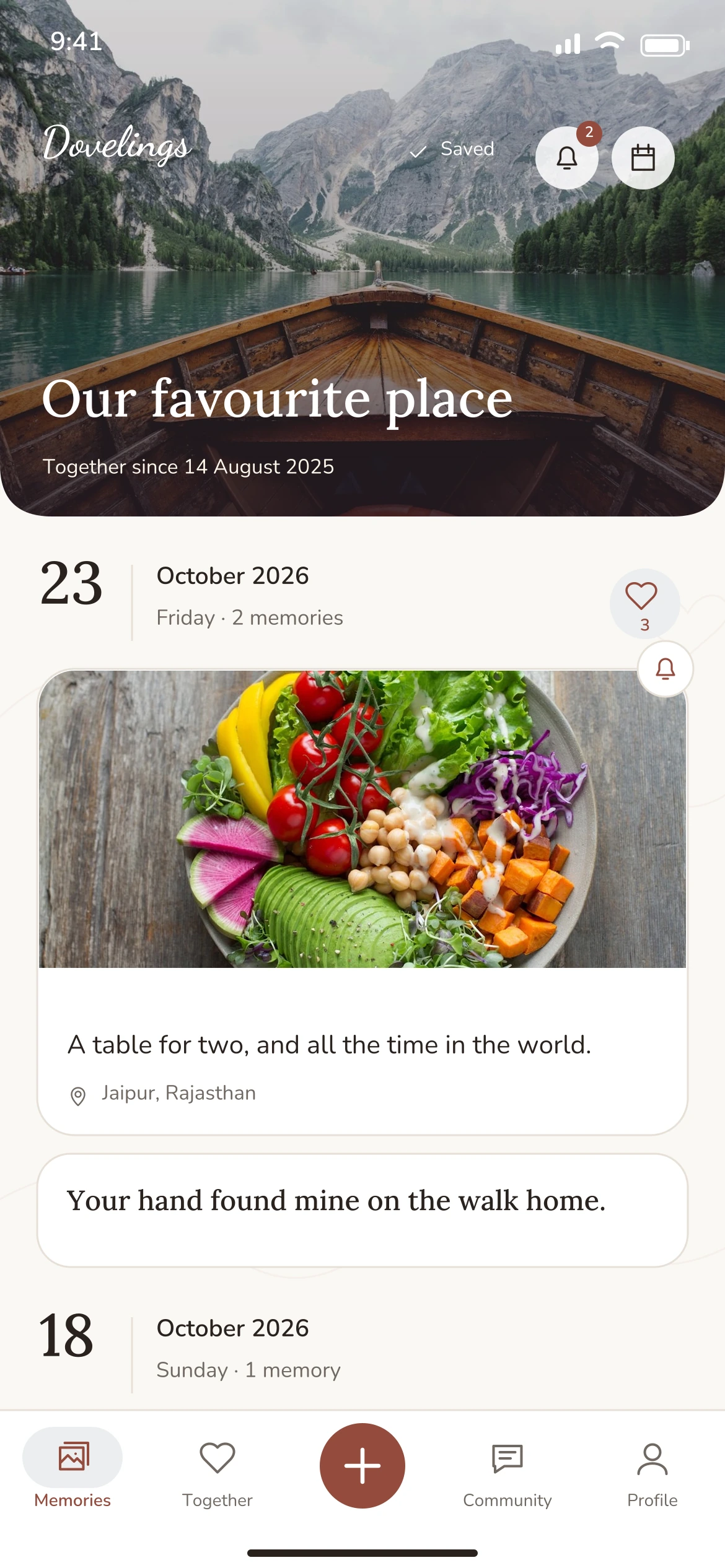
Illustrative demo preview
This tab separates things you create yourselves from questions, games and challenges you discover. Each activity keeps its own history and can offer a linked keepsake for your timeline. Before pairing, you can prepare private letter words, bucket items and answer drafts. Joining a journal does not automatically send or reveal that work.
The moderator queues a question or a challenge for each period. Daily content changes at 9 AM India time; weekly content changes on Monday at 9 AM. If nothing is queued, the space waits for a moderator update. It does not invent a replacement question. Your completion states show who has taken part. Below Play and discover, open Daily moments or Weekly moments to revisit completed content. Those results stay fixed; add or remove them from the timeline on a date you choose without changing the original answers.
Sealed letters and unrevealed game answers deliberately stay private until their reveal rules are met. A notification is an alert, not the clock that unlocks a letter. Your partner adding an answer can send an activity alert when that category is enabled.
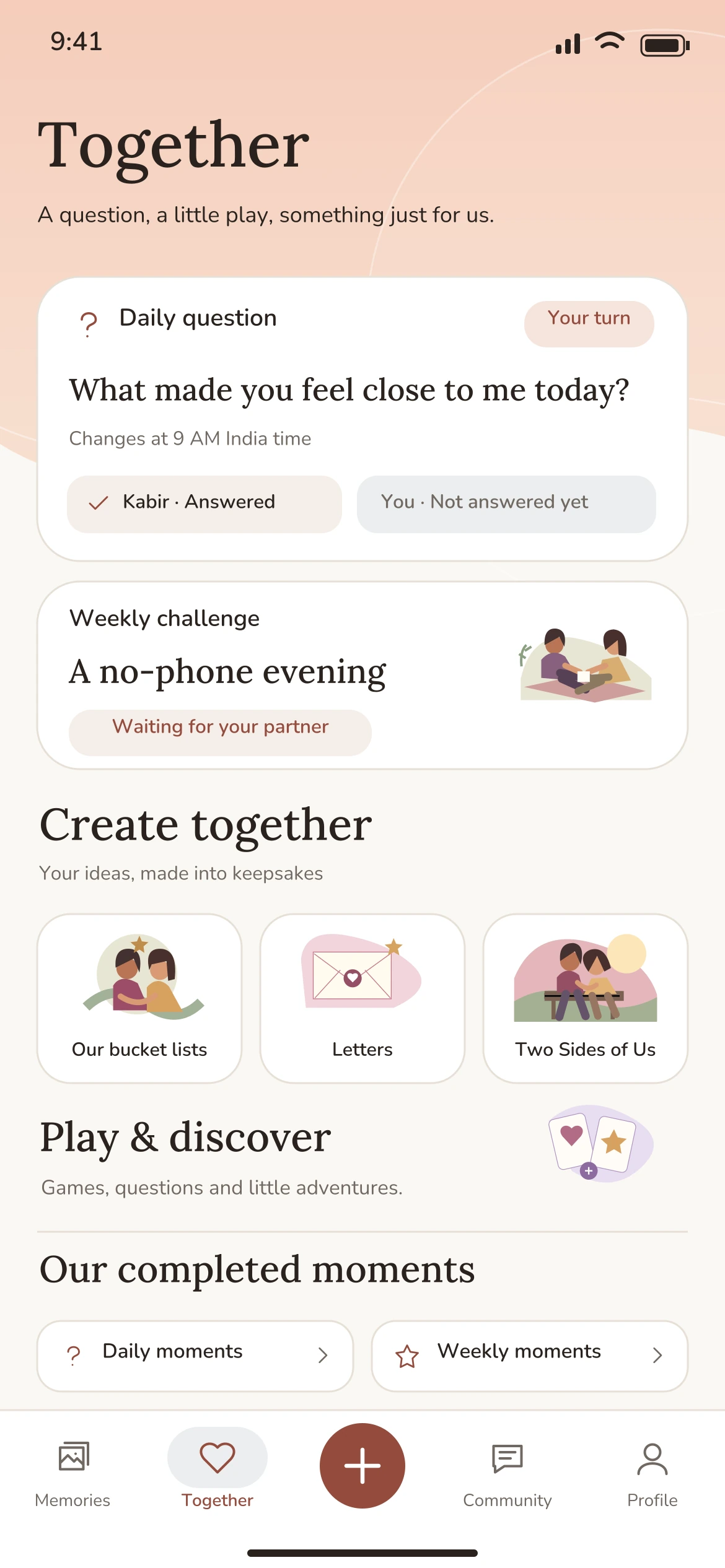
Illustrative demo preview
Community is for signed-in adults, including people without a partner. It has Stories, Questions and My space; My space brings together your posts and your answers.
There are no direct messages, matching or follower competitions. Journal memories cannot be published to Community through the app. Write a separate post and avoid revealing another person’s private information.
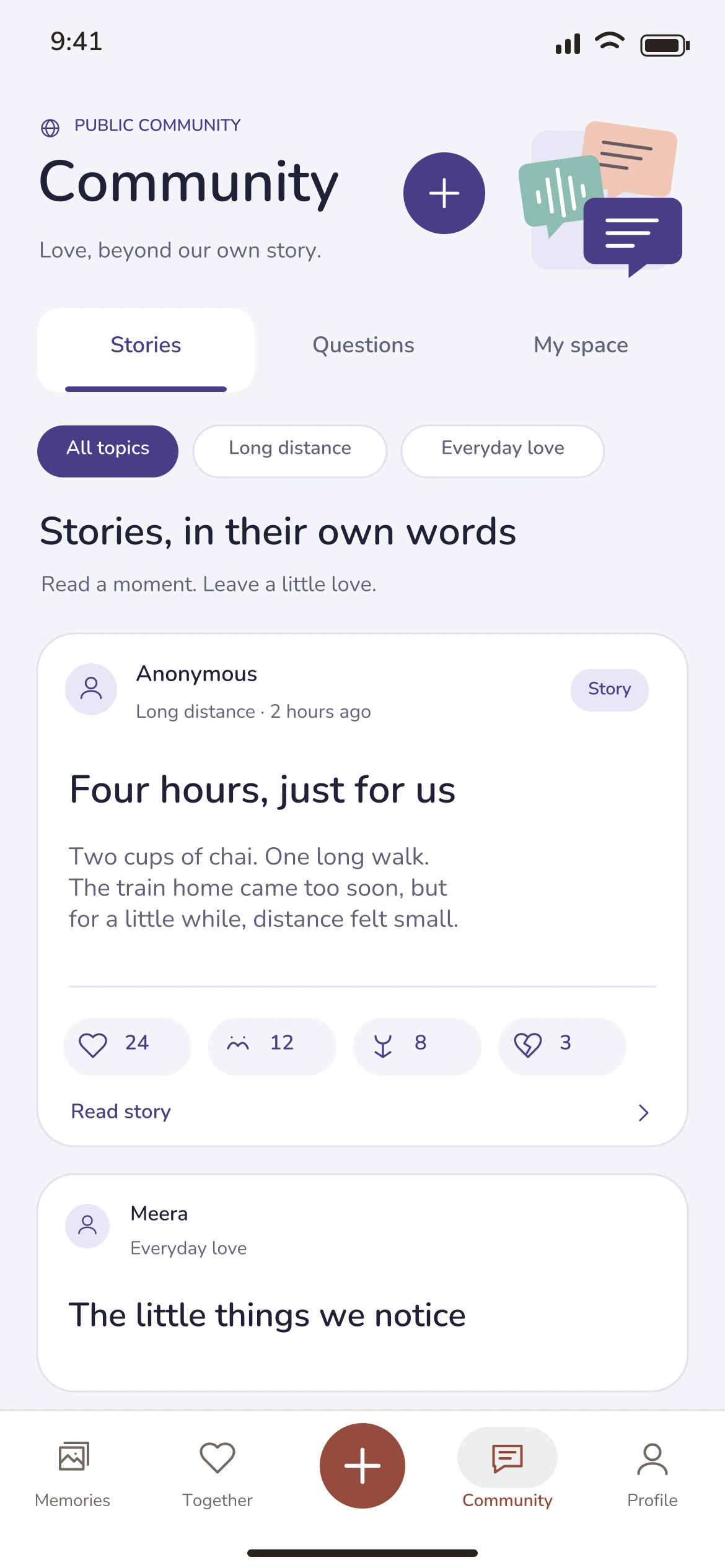
Illustrative demo preview
A romantic view of your relationship, from its beginning to the little things you have done together. The relationship-duration card rotates through different ways to describe your time together.
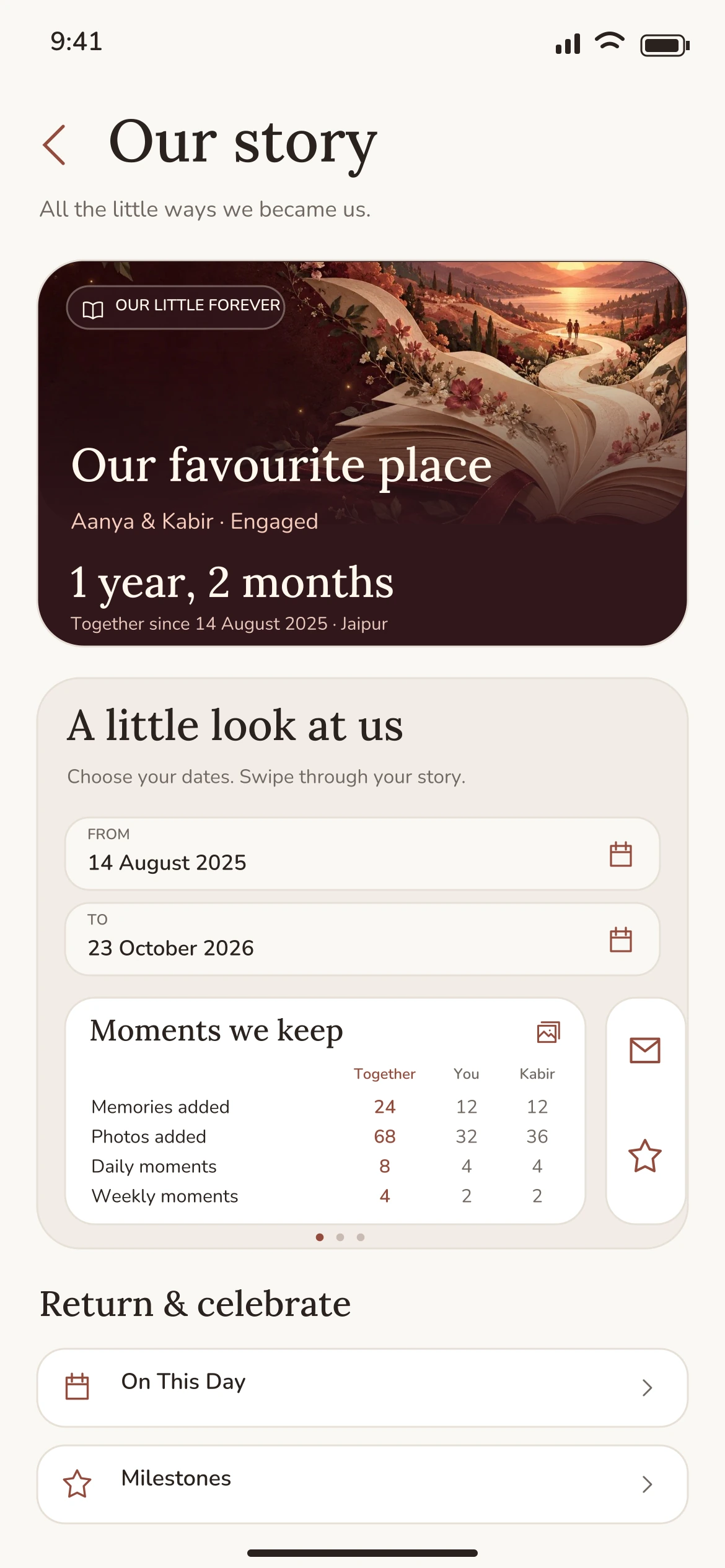
Illustrative demo preview
Open Profile → Digital book. Only items saved on your timeline are considered for your book. Ordinary memories receive the space they deserve; saved questions, completed games and other Together keepsakes add smaller details around them.
Unopened letters, unrevealed answers and private unfinished work do not belong in the shared book. Live keepsakes follow edits and access changes, but a file already exported to your phone is an independent copy.

Illustrative demo preview
Keep personal information and common relationship information in the right place. Settings is reached from this tab, rather than repeated in every screen.
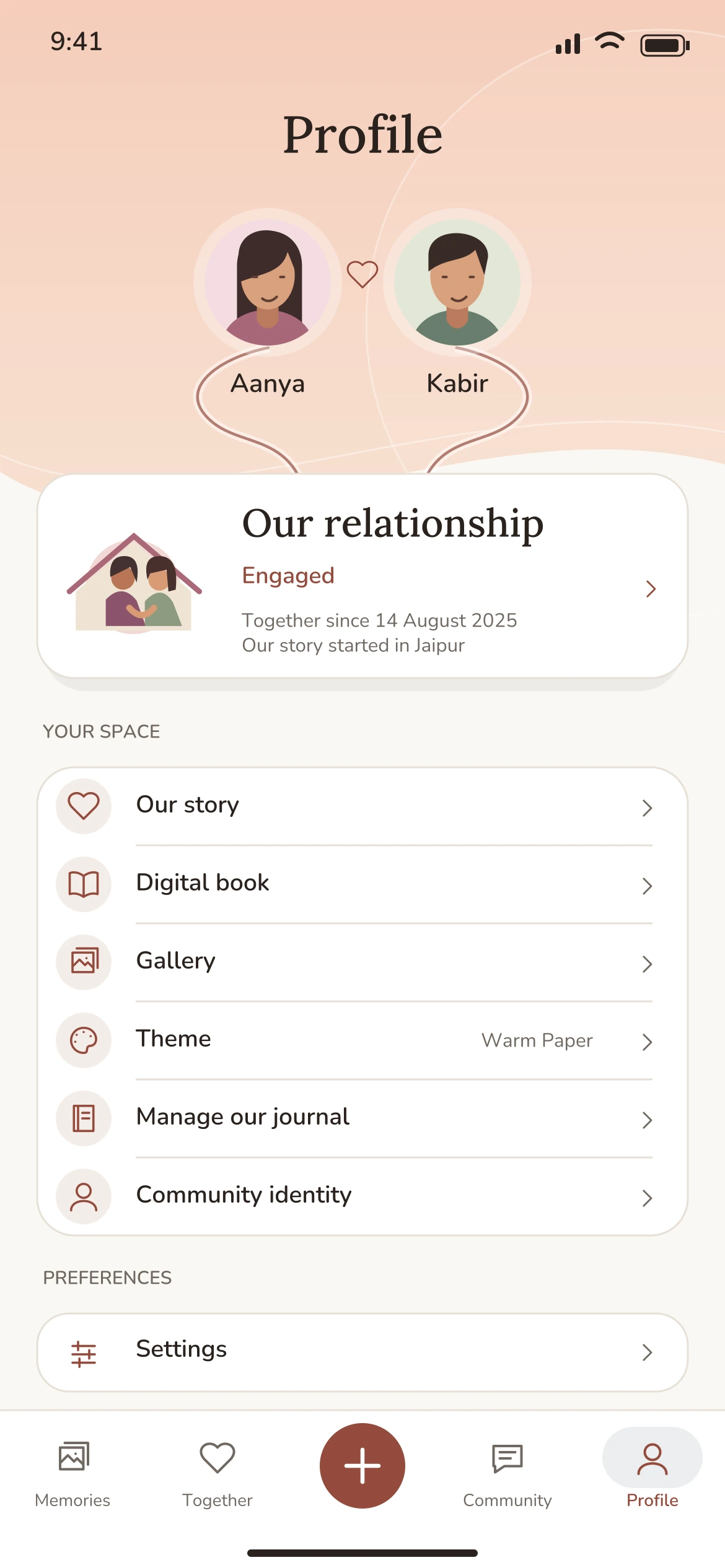
Illustrative demo preview
Open Profile → Settings. Each destination has a separate job; account deletion does not duplicate subscription controls.
Online usage and upload management. Where personal storage is enabled, owned uploads across current, Past and retained content use that account’s allowance; viewing a partner’s photos does not consume yours.
Copies on this phone, waiting edits and conflict recovery. Remove downloaded photos to free device space without deleting cloud memories. New memories and uploads need a connection.
All push notifications pauses alerts without changing your category choices. Memories & journal, Together, Letters, Dates & story, Community, and Account & storage each open focused controls. Quiet hours and reminder times use India time. See how alerts work.
Report concerns, manage private partner blocks and understand shared access and independent downloads. Community has its own reporting and blocking controls.
Separate Pro Pass, Memory allowance and Your storage sections show current coverage, personal creation usage and independently owned bytes. Restore and manage each subscription through its original purchasing store; the purchase sheet shows the final price.
Using Dovelings is the product guide. Report a problem sends an issue to support. About shows the installed version. Sign out leaves cloud content in place; Delete account starts a separate permanent-removal process.
Ending a relationship, removing a Past journal, blocking someone and deleting an account are different actions. Read the relevant confirmation rather than treating them as interchangeable ways to hide a screen.
For the binding terms and data practices that apply to a version, read its linked Terms of Service and Privacy Policy. The redesigned experiences policies remain separate from previously accepted agreement versions.
Need instructions, an error fixed or help with your account? Visit Support. To request deletion without installing the app, use the dedicated Delete account page.
Free and Pro have separate personal storage bases, with optional personal add-ons. Check Plans & pricing in your installed app for current eligibility, available store products and billing details.
Open Profile → Settings → Plans & pricing to review your Pro coverage, personal storage and renewal details before making a purchase.
Under the additive offer, your base is 200 MB with Free or 2 GB total with your own or current partner's Pro Pass. Pro's base includes the Free allowance. Your active personal +1, +2, +5 or +10 GB add-on is added once to that base. Your partner keeps an independent base and add-on.
Pro plus +1 GB provides 3 GB. Choose +2 GB to upgrade that storage subscription and reach 4 GB; you are not subscribing to a second +1 GB pack. One storage tier applies, and ordinary renewals maintain capacity. The store shows any upgrade charge or credit and the change date. A downgrade takes effect according to the store confirmation.
Pro remains ₹149/month or ₹1,499 for the full year in India. It covers its purchaser and current partner, including eligible trial coverage. Existing Free and Pro creation limits remain separate from storage: storage-only purchases never raise memory or Community quotas or unlock premium features. Two Passes do not double either person's Pro base.
Cancellation normally keeps verified coverage until expiry and any recognized billing grace. After Pro ends, a still-active +2 GB add-on provides 2 GB plus the 200 MB Free base. Separation ends sponsored coverage without transferring either subscription or upload ownership. A new partner receives no access to earlier relationship content. If usage exceeds capacity, new photo uploads pause while reading, export, deletion and applicable notice protection remain available.
Your uploaded-photo inventory includes your uploads across current, Past and retained journals. Previews, thumbnails, covers, Recently Deleted and pending uploads count. Viewing your partner's photos does not consume your personal cloud allowance. After a qualifying over-limit notice, the app shows the protected deadline in India time. An insufficient upgrade does not restart the deadline; sufficient verified capacity or reduced usage clears the cycle. Billing uncertainty holds destructive cleanup.
Open Profile → Settings → Notification preferences. All push notifications pauses push while preserving category choices. The detailed sections cover Memories & journal, Together, Letters, Dates & story, Community, and Account & storage. An enabled moderator also has workspace alerts. Turning off Memories leaves the other categories independent.
Daily reminders default to 8 PM and weekly reminders to Sunday at 8 PM, in India time. You can edit each reminder time. Optional quiet hours default to 10 PM–8 AM India time when enabled; they start switched off. Eligible reminders skip completed content and journals without a partner. Milestones, birthdays and Our beginning normally arrive at 9 AM India time. Delivery can be delayed or missed, and a letter opens by its authorized server time rather than push arrival.
Notification choices synchronize across registered devices. OS permission remains specific to each phone and does not silently switch off the account's categories. After onboarding, you can allow notifications or keep using the app; if permission is denied, the app directs you to device settings only when needed. App links open the relevant screen after sign-in and current access checks.
Essential account, billing, legal, support and storage emails are sent separately from push choices. There is no email opt-out for this service mail and no marketing, digest or engagement email campaign. For help, use Report a problem or email support@lovediary.in.
Open the bell beside the calendar on Memories for up to 30 days of account updates, grouped by date with India-time timestamps. Opening an update marks it read; use its menu to mark it read or unread, or choose Mark all read. Read state synchronizes across your devices and is not shared as a partner read receipt.
History is separate from push delivery. Relevant updates can appear here even when a push is dismissed, system permission is declined, or a category is switched off. Your push preferences still control pushes. Only supported events captured after the feature becomes available can appear; older dismissed pushes are not recovered.
A linked update checks your current access before opening. Deleted, blocked, sealed or otherwise unavailable content stays unavailable. History contains discreet update text rather than private words, photos, sealed letters or hidden answers. Expired entries leave the page after 30 days; short-lived operational delivery records follow a separate seven-day schedule.
Open Profile → Settings → App lock. Your phone checks Face ID, a fingerprint or its device passcode; Dovelings does not receive your biometric data or passcode. This choice applies only to this device. App lock also hides relationship details from the widget while enabled; your phone controls when the widget refreshes.
Open Profile → Settings → Home screen widget for your phone’s setup steps. On iPhone, Our little forever comes in one compact rectangular size. On Android, you can resize it. The widget can show your current journal’s title, names, relationship status, days together and beginning date; larger Android layouts can also show where your story started. These appear outside the app. Remove the widget through your phone’s controls when you no longer want it visible. Journal edits refresh while Dovelings is running or when it next opens, and your phone manages background updates.